















WishKing Mobile App
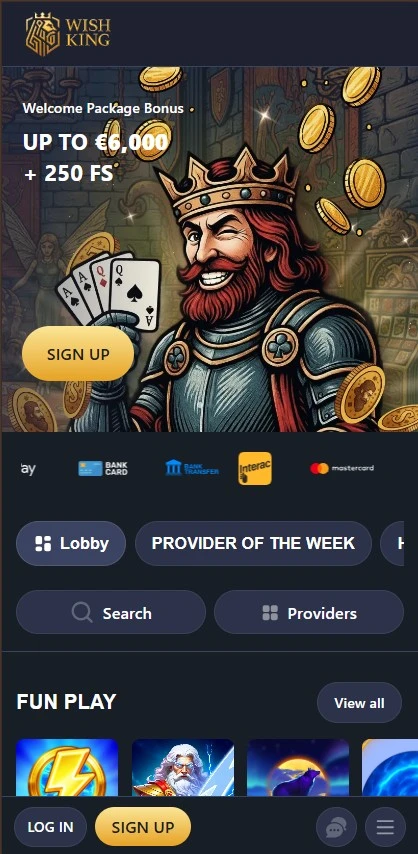
Our mobile platform brings the full WishKing Casino experience to your phone or tablet with simple navigation, secure payments, and quick access to thousands of games. It is built for both new and experienced British users who want to play at home or while away from their desk. You can use our dedicated app on iOS and Android or open the mobile version in your browser. With the WishKing mobile app, we keep gameplay smooth, account access clear, and payment steps easy to follow.
Top Mobile Features That Matter Most
When you use WishKing on mobile, you get the same account, cashier, and game lobby structure as on desktop. Our platform supports English, French, and Greek, uses 256-bit SSL encryption, and works with GBP for British accounts. Wish King also gives access to support through live chat, making help easy to reach during play.
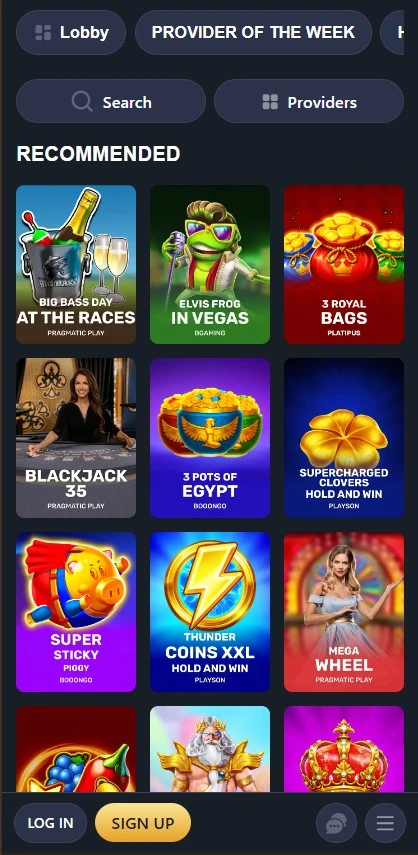
- Large game range with 8000 titles across slots, table games, live casino, sports betting, video poker, bingo, and scratch cards from NetEnt, Pragmatic Play, Playtech, Yggdrasil Gaming, Novomatic, and more.
- Live tables on mobile let you join real-dealer roulette, blackjack, and other streamed games without moving to desktop.
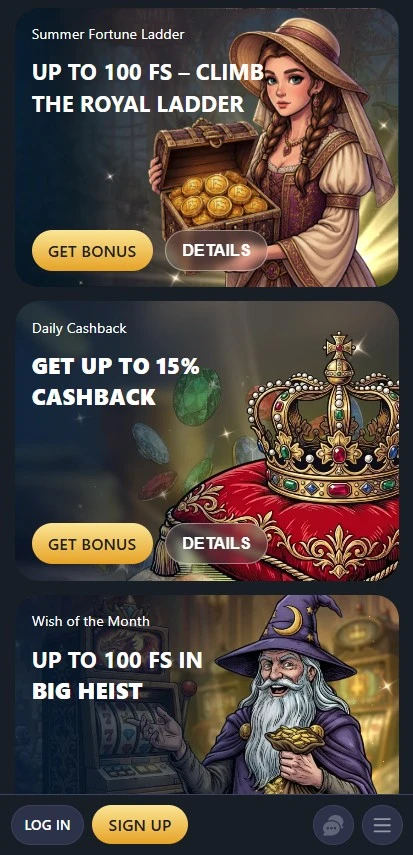
- Our WishKing bonus package is mobile-friendly, including up to £6000 and 300 free spins across the welcome offer, plus Friday Free Spins, Wednesday Mystery Bonus, and 10% weekly cashback.
- Fast payments with Visa, Mastercard, Skrill, Neteller, Google Pay, Paysafecard, Bitcoin, Ethereum, Litecoin, and USDT for deposits, with many withdrawals processed in 0-24 hours.
- Simple layout designed for touchscreens, so the Wish King Casino lobby, cashier, and game filters stay easy to use on smaller screens.
- 24/7 help through live chat, with extra support options available inside your account if you need KYC or payment guidance.
Get Started on Mobile in a Few Steps
How to Install the WishKing App
The WishKing app is available for both major mobile systems, so you can choose the setup that fits your device. If you use iPhone or iPad, open the App Store, search for WishKing Casino, and tap Download. Once installed, sign in through WishKing login or create an account to start playing. The iOS version gives direct access to the cashier, promotions, and our full game lobby.
For Android, visit our official mobile section and choose the option to download WishKing app for APK installation. The WishKing apk download file may require you to allow installs from unknown sources in your device settings before it opens. After that, tap the file, follow the prompts, and launch the WishKing app.
How to Open WishKing on Mobile Browsers
If you do not want to install the WishKing app, our mobile website is another simple option. Open the browser on your phone or tablet and load our site to enter the same account area, payment section, and game categories. The browser version is designed for touch control and works across current mobile devices. That makes casino Wish King easy to reach even when you switch between devices.
For faster access, save a shortcut to your home screen. On iOS, tap the Share icon and choose Add to Home Screen. On Android in Chrome, open the three-dot menu and select Add to Home screen. This gives your WishKing mobile access a one-tap launch, much like a regular app. Many British users choose this method when they want quick play without another install from casino WishKing United Kingdom access points.
Devices, Systems, and Smooth Play Needs
Casino WishKing mobile platform works on iOS and Android smartphones and tablets, including common devices such as iPhone, iPad, Samsung Galaxy models, and Google Pixel phones. Both app versions are supported, and the browser option gives added flexibility if you prefer not to install anything. Because software changes often, we recommend keeping your operating system updated to a current version for the best app stability and payment security. The same applies when using the mobile browser version of WishKing Casino.
For a smooth session, keep enough free space on your device for app files, updates, and stored data. Around 100MB of free storage is a sensible minimum for the app, while browser play needs less local space. A stable Wi-Fi or mobile data connection is important for live casino, sports betting, and quick cashier loading. Games like WishKing slots and table titles can run on mobile data, but stronger speed helps with live streaming and faster page response.
Our game library includes mobile access to many leading studios such as NetEnt, Nolimit City, Rival, Betsoft Gaming, TaDa Gaming, Pragmatic Play, Playtech, Novomatic, Big Time Gaming, and Yggdrasil Gaming. Individual titles may show their own RTP values, such as 96.4% on Roadquake, so game details stay transparent inside the lobby. The WishKing mobile app supports the same wallet currencies as the main site, including GBP, and gives access to verified payment tools. We also support safer play tools such as deposit limits, loss limits, session time limits, cool-off periods, and self-exclusion from 6 months to 5 years.
| Device Type | Support | Notes |
| iPhone / iPad | Yes | Use the iOS WishKing Casino app or browser access |
| Android Phones / Tablets | Yes | APK install or browser access available |
| Storage | Recommended | At least 100MB free for app use |
| Internet | Required | Stable connection advised for live games and payments |
